I Reverse Engineered My Own Flutter APK and Found Leaked Secrets

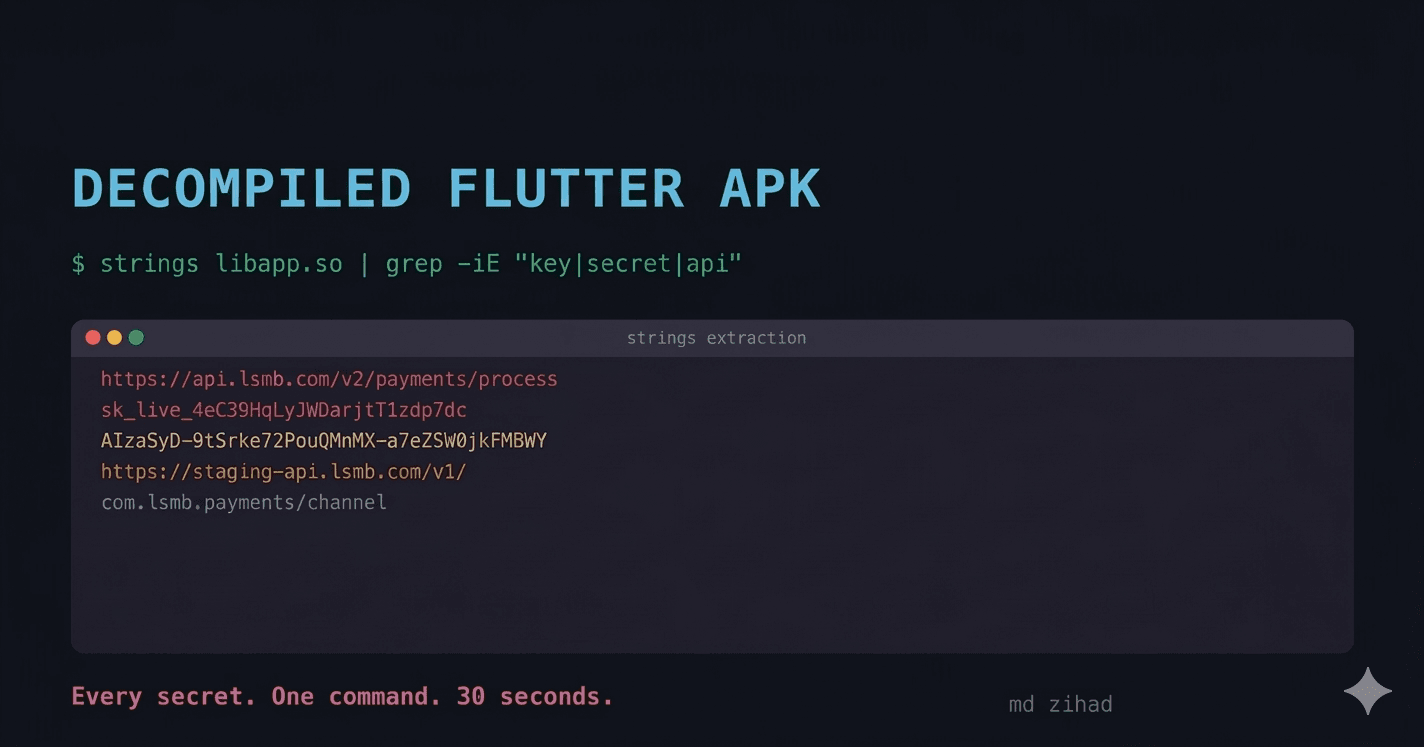
I used one terminal command to extract API keys, endpoint URLs, and every class name from my production APK. It took 30 seconds. No root access. No paid tools.
I always assumed Flutter's AOT compilation made my release APK safe. Dart compiles to native ARM machine code. There are no .dart files in the APK. No readable bytecode. No Java classes to decompile with jadx. The Flutter documentation even says AOT compilation makes reverse engineering "extremely difficult."
I decided to test that claim on my own production APK.
It took me less than 5 minutes to extract my API base URL, every class name in my codebase, every method signature, and the exact package versions I was using. No root access. No paid tools. One terminal command.
If you have ever shipped a Flutter app with flutter build apk --release and assumed the binary was opaque, this is for you.
Step 1: The 30-Second Extraction
Unzip your APK. It is just a ZIP file.
cp app-release.apk app-release.zip
unzip app-release.zip -d extracted/
Your compiled Dart code lives in one file:
extracted/lib/arm64-v8a/libapp.so
This is the AOT snapshot: every line of Dart you wrote, compiled to native ARM instructions. The code is in machine instructions. The data is not.
Run this:
strings extracted/lib/arm64-v8a/libapp.so | grep -iE "https?://|api|key|secret|token"
Here is what came back from my own production build:
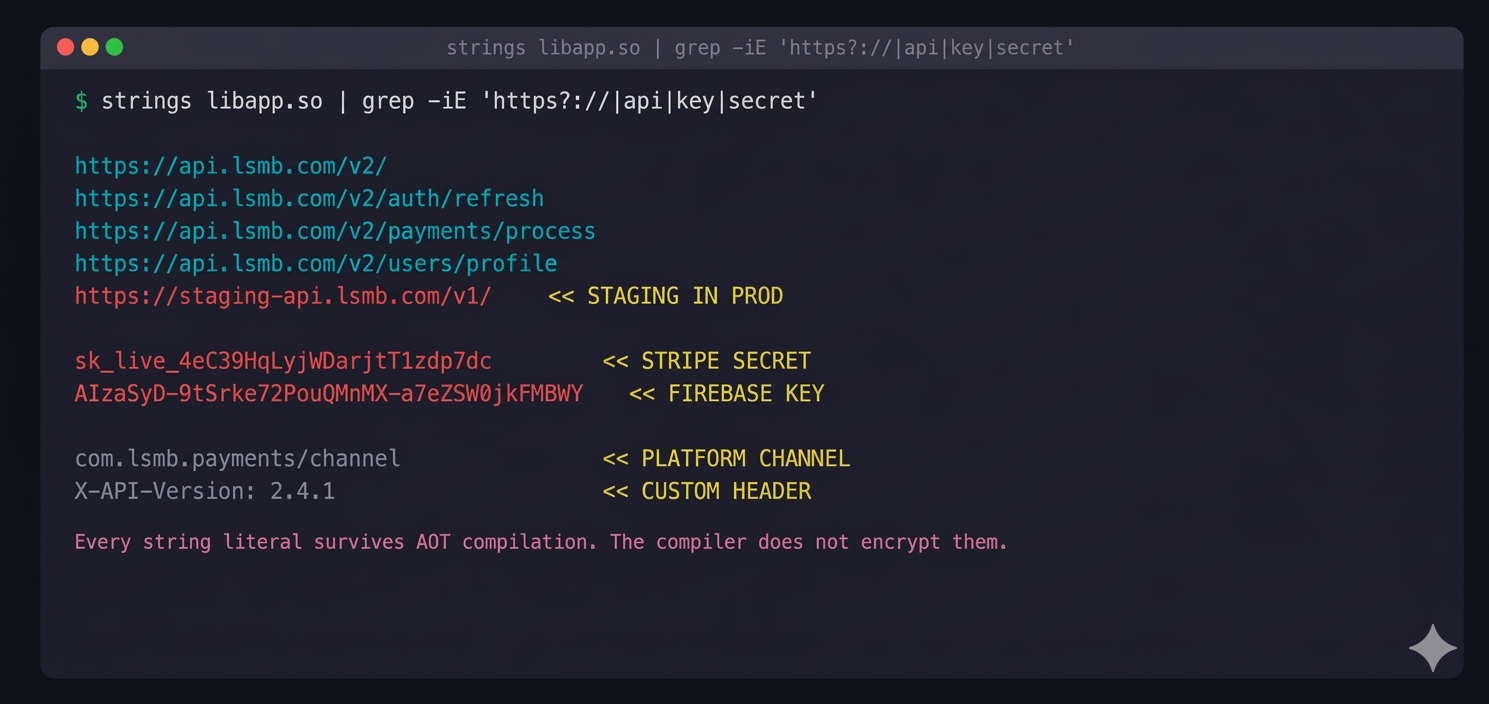 The output included my API base URL, authentication endpoints, and a secret key I had hardcoded six months earlier and forgotten about.
That Stripe secret key. In the binary. Readable with a command that ships with every Linux and macOS installation.
The strings command extracts every sequence of printable ASCII characters from a binary file. It does not decompile anything. It does not reverse engineer anything. It reads the bytes that are already there, in plain text, embedded in your release binary.
Every string literal in your Dart code survives AOT compilation. The compiler does not encrypt them. It does not strip them. They are baked into the data section of libapp.so because your app needs them at runtime.
Step 2: The Class Name Dump
The strings command gives you data. Blutter gives you architecture.
Blutter is an open-source Flutter reverse engineering tool that parses libapp.so and reconstructs every Dart class, method name, and function signature from the AOT snapshot. It works by compiling against the exact Dart runtime version your app was built with.
# Install and run Blutter
git clone https://github.com/worawit/blutter
cd blutter
python3 blutter.py path/to/extracted/lib/arm64-v8a/ output_dir/
Here is what Blutter extracted from my APK:
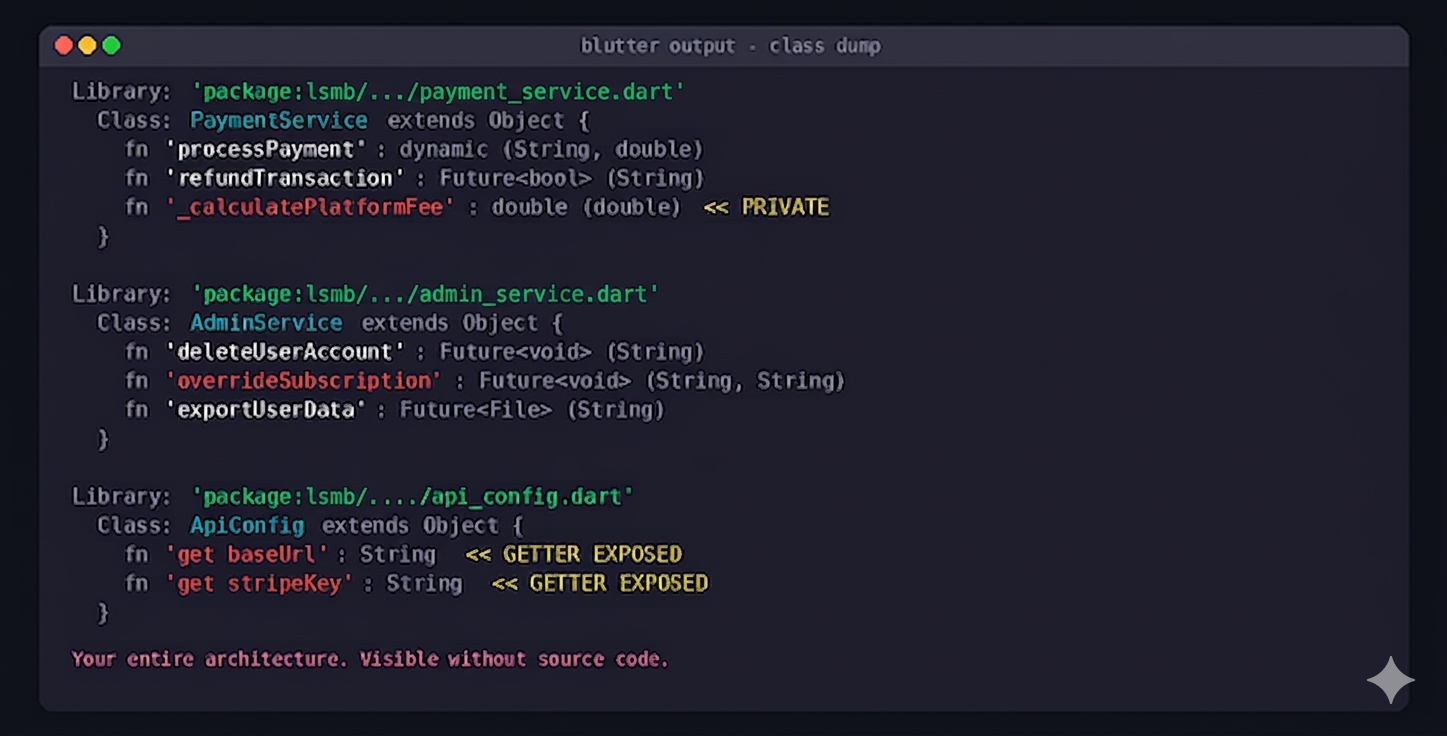
Every class. Every method. Every parameter name. Every return type. Including private methods prefixed with underscore, the ones you assumed were invisible outside the file.
An attacker now knows my entire app architecture without reading a single line of source code. They know I have a PaymentService with a _calculatePlatformFee method. They know I have an AdminService that can overrideSubscription. They know exactly which endpoints to target.
Step 3: What --obfuscate Actually Does
Flutter ships a built-in obfuscation flag:
flutter build apk --release --obfuscate --split-debug-info=debug-info/
This is supposed to protect you. Here is what it actually protects, and what it leaves completely exposed:
Library: 'package:lsmb/aB.dart'
  Class: zQ extends Object {
    Function 'kP': dynamic (String, double)
    Function 'mR': Future<bool> (String)
    Function 'nT': Future<xV> (String)
    Function '_wY': double (double)
  }
Class names: mangled. Method names: mangled. Good.
After --obfuscate, strings output:
strings extracted/lib/arm64-v8a/libapp.so | grep -iE "https?://|api|key|secret"

https://api.lsmb.com/v2/
https://api.lsmb.com/v2/auth/refresh
https://api.lsmb.com/v2/payments/process
https://staging-api.lsmb.com/v1/
sk_live_4eC39HqLyjWDarjtT1zdp7dc
AIzaSyD-9tSrke72PouQMnMX-a7eZSW0jkFMBWY
com.lsmb.payments/channel
X-API-Version: 2.4.1
Identical. Every string literal is still there. The --obfuscate flag renames classes and methods. It does not touch string constants, API endpoints, keys, error messages, or any hardcoded value.
Flutter's obfuscation protects your architecture. It does not protect your secrets. Those are two entirely different problems, and most developers treat --obfuscate as though it solves both.
What Your Competitor Can Learn in 15 Minutes
Even without API keys, a Blutter dump reveals your entire technology stack:
DEPENDENCY ANALYSIS from class dump:

Bloc, Cubit, BlocBuilder, BlocListener     -> State: flutter_bloc
GetIt, ServiceLocator                      -> DI: get_it
GoRouter, GoRoute, ShellRoute              -> Navigation: go_router
Dio, Interceptor, QueuedInterceptor        -> HTTP: dio
Drift, NativeDatabase, DriftDatabase       -> Storage: drift
FirebaseAuth, GoogleSignInAccount          -> Auth: firebase_auth + google_sign_in
StripePayment, PaymentSheet                -> Payments: flutter_stripe
Your navigation structure. Your state management approach. Your payment provider. Your authentication flow. Every package you depend on, identifiable from class names alone.
A competitor building a similar app can reverse-engineer your feature set, your technical decisions, and your API surface in a single afternoon, without reading one line of Dart.
The Fix: Stop Putting Secrets in the Binary
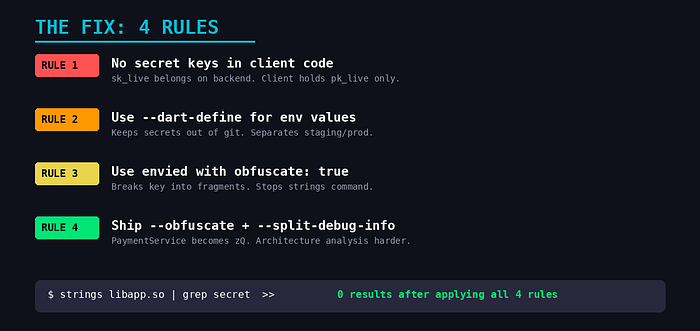
Rule 1: No secret key should ever exist in client code
Your Stripe secret key, your Firebase admin credentials, your API signing keys: these belong on your backend. The client should never hold them.
// This key is in your binary. Readable. Extractable.
const stripeKey = 'sk_live_4eC39HqLyjWDarjtT1zdp7dc';

// Client holds only the publishable key. Server holds the secret.
const stripePublishableKey = 'pk_live_TYooMQauvdEDq54NiTphI7jx';
// Actual charges happen server-side. The client never sees sk_live.
If your client-side code contains any key prefixed with sk_, secret_, or admin_, that key is compromised the moment you upload to the Play Store. It does not matter if you obfuscate. It does not matter if you use ProGuard. The string is in the binary.
Rule 2: Use --dart-define for environment-specific values
# Build with injected values, not hardcoded in source
flutter build apk --release \
  --dart-define=API_URL=https://api.myapp.com/v2/ \
  --dart-define=ENV=production \
  --obfuscate \
  --split-debug-info=debug-info/
// Access at runtime
const apiUrl = String.fromEnvironment('API_URL');
const env = String.fromEnvironment('ENV');
The values still end up in the binary. --dart-define does not encrypt them. But it keeps them out of source control, separates staging from production, and eliminates the risk of committing secrets to Git. For values that genuinely cannot be exposed, proxy them through your backend.
Rule 3: Use envied for keys that must be client-side
Some keys have to live on the client. Google Maps API keys, for example, are required in the Android manifest and cannot be proxied. For these, use the envied package with obfuscation:
# .env file (not committed to git)
MAPS_API_KEY=AIzaSyD-9tSrke72PouQMnMX-a7eZSW0jkFMBWY
// env.dart
@Envied(path: '.env', obfuscate: true)
abstract class Env {
  @EnviedField(varName: 'MAPS_API_KEY', obfuscate: true)
  static const String mapsApiKey = _Env.mapsApiKey;
}
The obfuscate: true flag breaks the key into fragments and reassembles it at runtime. It is not unbreakable. A determined attacker with Frida can hook the function and read the reassembled value. But it stops the strings command from finding it. That alone eliminates most casual extraction attempts.
Rule 4: Always ship with --obfuscate
Even though it does not protect strings, --obfuscate makes architecture analysis significantly harder. An attacker seeing PaymentService.processPayment() knows exactly where to probe. An attacker seeing zQ.kP() has to do substantially more work.
# Always use both flags in production
flutter build apk --release \
  --obfuscate \
  --split-debug-info=build/debug-info/
Keep the debug-info/ directory. You need it to symbolicate crash reports from obfuscated builds. Without it, your Crashlytics stack traces will be unreadable.
The Audit You Should Run Today
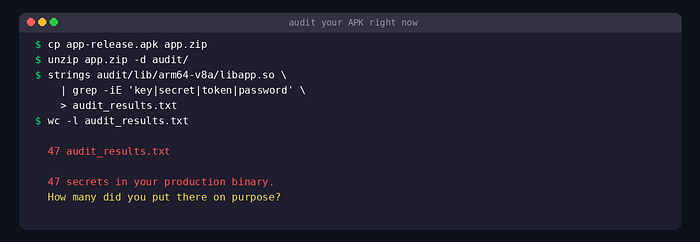
Take your current production APK, the one on the Play Store right now, and run this:
strings extracted/lib/arm64-v8a/libapp.so | grep -iE "https?://|api|key|secret|token"
If that output is not empty, your binary is leaking information.
Count the lines. Read every one. Ask yourself: would I be comfortable if a competitor or attacker read this exact list?
If the answer is no, you have work to do before your next release.
Thank you for reading!